
Plan your building with rooms and functions for lighting, shading, and heating.
KNX Studio takes care of the group address structure.
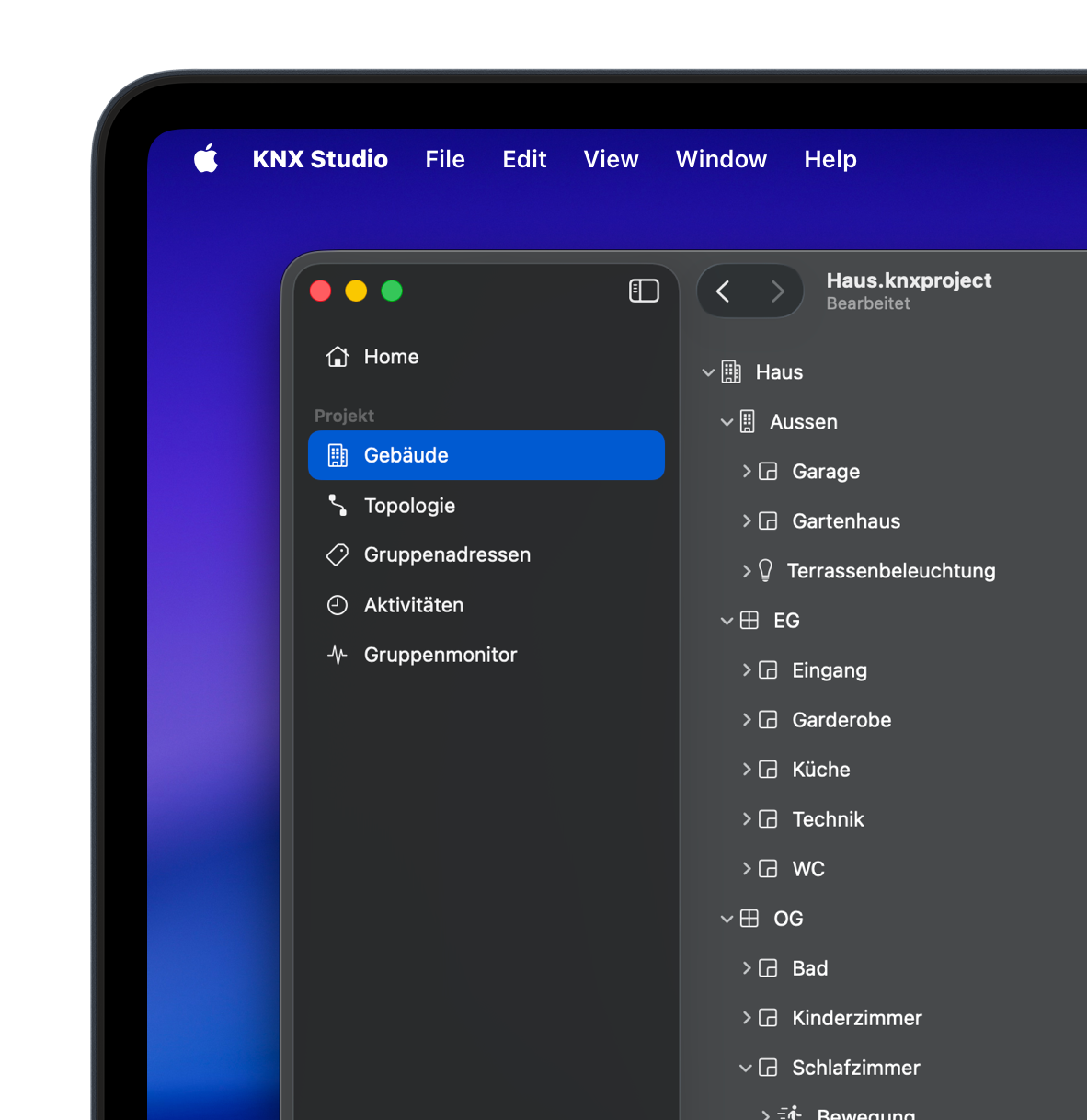
Configure your KNX devices and transfer the settings directly to the device.
KNX Studio guides you from configuration through commissioning.
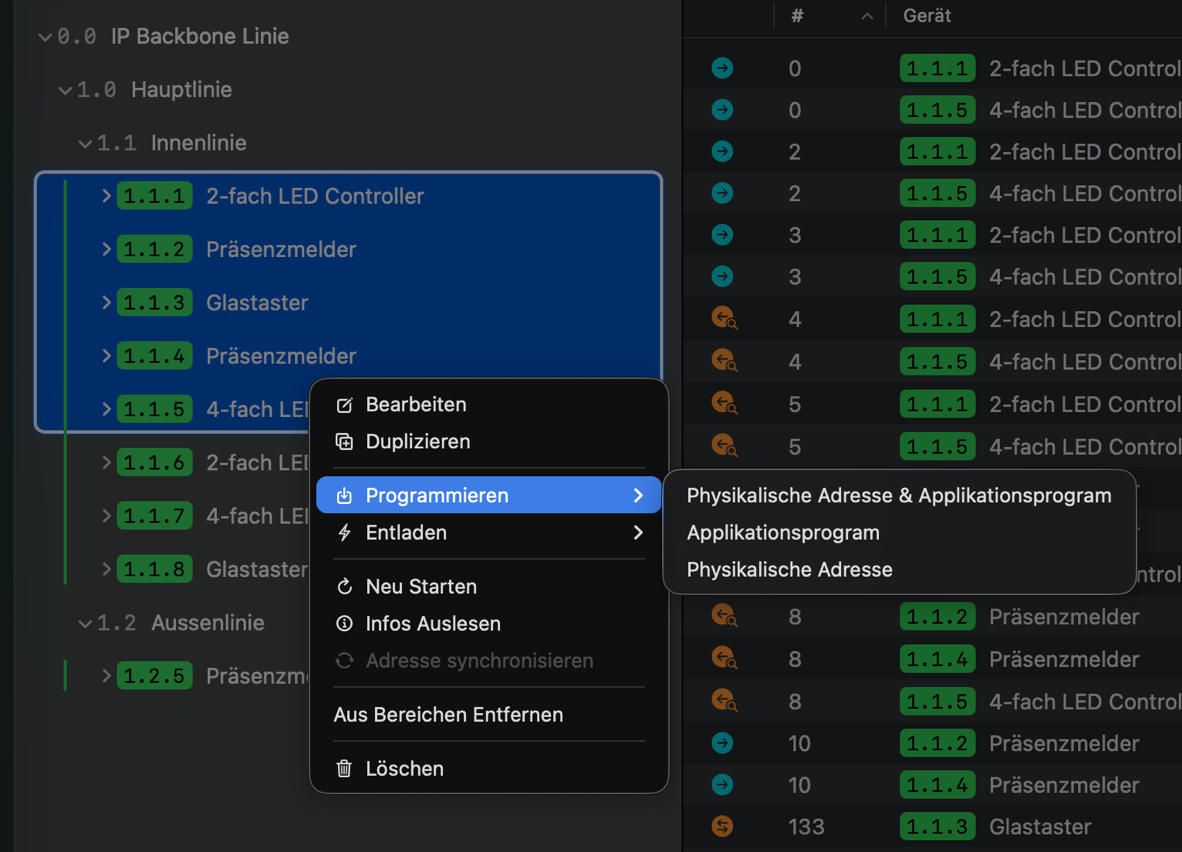
Configure the application program and transfer it to the KNX device as usual.
Control your lighting, shading, and heating functions directly in the app. This lets you immediately test and verify your configuration.
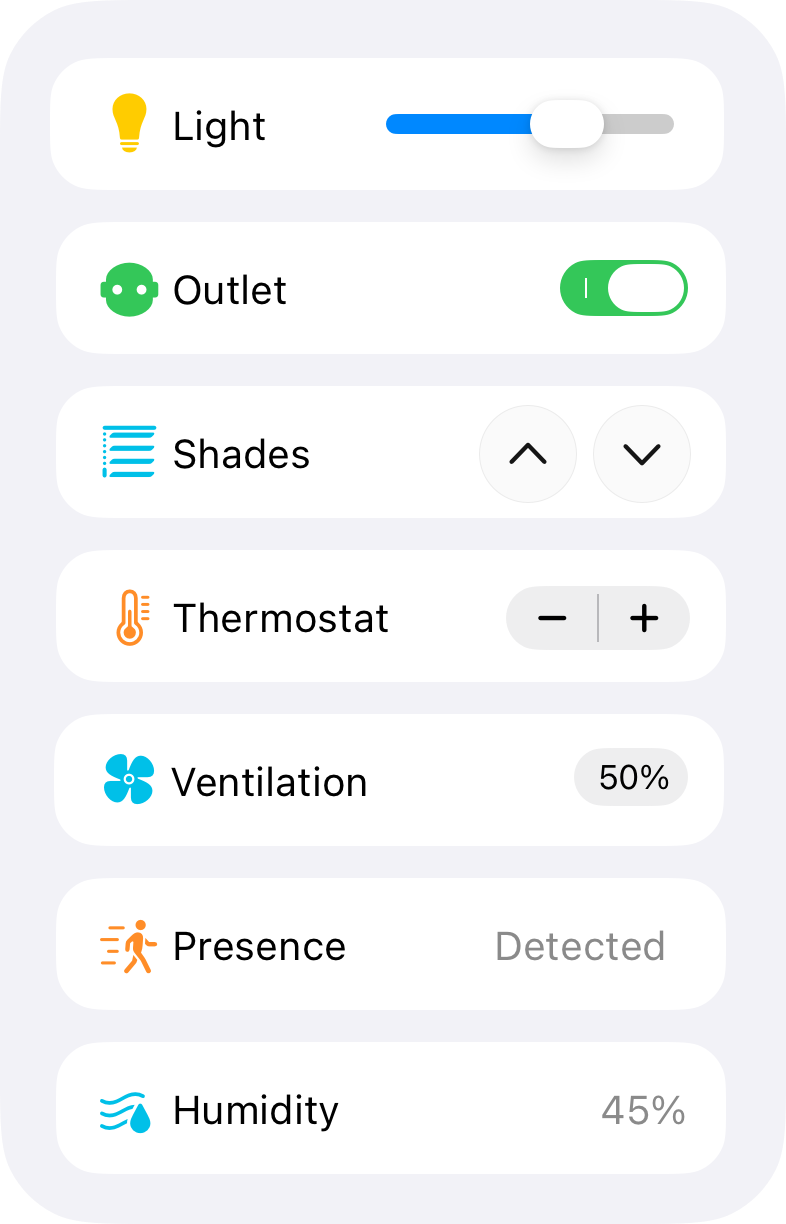
The app connects to your KNX installation and lets you read and write group addresses through your building functions.
Configure the application program and transfer it to the KNX device as usual.
The app connects to your KNX installation and lets you read and write group addresses through your building functions.
Enhanced Group Monitor
Live Statistics
Keep an eye on the KNX bus and get insights into group communication.

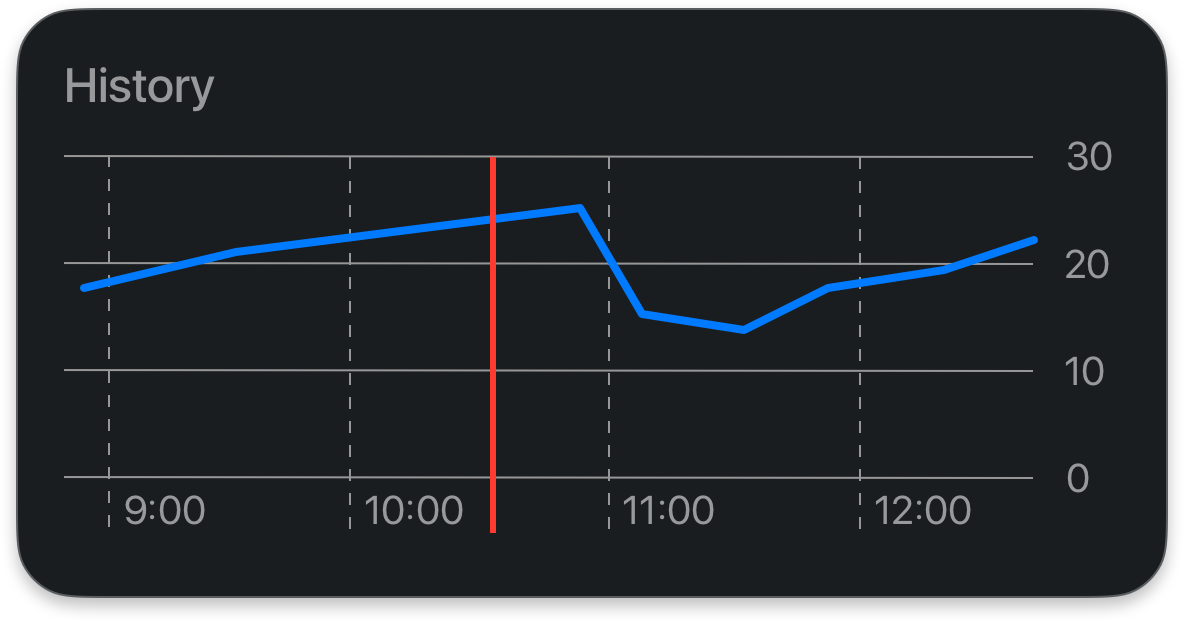
Charts
Track how group address values change over time.
Flexible Search
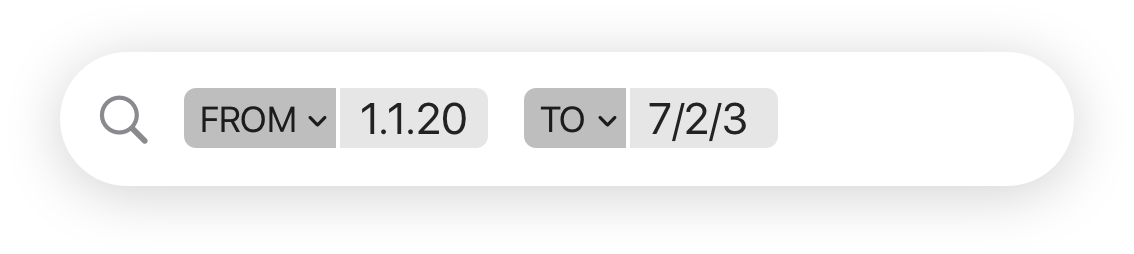
Search telegrams by keywords or custom filter combinations.
Questions & Answers
Yes. You can import existing projects created with ETS5 or ETS6 into KNX Studio.
You can import an ETS project, but changes made in KNX Studio cannot currently be brought back into ETS. KNX Studio manages imported projects separately, and its exports do not meet the project signature requirements for import into ETS.
KNX Studio works with TP (twisted-pair) devices that have an ETS5- or ETS6-compatible product database (.knxprod). Devices that require ETS plugins, as well as RF and IP devices, are currently unsupported.
A failed programming attempt with KNX Studio does not permanently damage the device. It can still be programmed again using ETS.
Coming Soon
We want to make KNX easier.
Help shape the future of KNX on Apple platforms and apply for the test phase now. With your feedback, KNX can get better.